تحميل
احصل على سكّرة على هاتفك
متوفر على iOS وAndroid. سجّل الدخول برقم هاتفك وابدأ كسب النقاط من أول زيارة تسوّق.


كيفية التثبيت
جاهز للعمل في دقائق
- 1
افتح App Store أو Google Play
ابحث عن "سكّرة" أو امسح رمز QR في هذه الصفحة.
- 2
ثبّت التطبيق
التطبيق مجاني للتنزيل ولا يتطلب أي دفع مسبق.
- 3
سجّل الدخول برقم هاتفك
أدخل رقم هاتفك المحمول وتأكّد برمز OTP — في ثوانٍ.
- 4
فعّل القفل بالقياسات الحيوية (اختياري)
اضبط بصمة الوجه أو الإصبع للوصول السريع الآمن في كل مرة.

امسح لتثبيت سكّرة
المتطلبات
توافق الأجهزة
iPhone (iOS)
- iOS 16 أو أحدث
- Face ID أو Touch ID مستحسن
- صلاحية الوصول للكاميرا لمسح QR
Android
- Android 10 أو أحدث
- مستشعر بصمة الإصبع مستحسن
- صلاحية الوصول للكاميرا لمسح QR
للتجار
هل أنت تاجر؟
احصل على تطبيق POS سكّرة لعملك. أصدر نقاط الولاء للعملاء ونفّذ عمليات الاستبدال مباشرةً من أي جهاز iOS أو Android — لا أجهزة إضافية مطلوبة.
تريد أن تصبح شريكاً أولاً؟ تعرّف على خطط التاجر ←
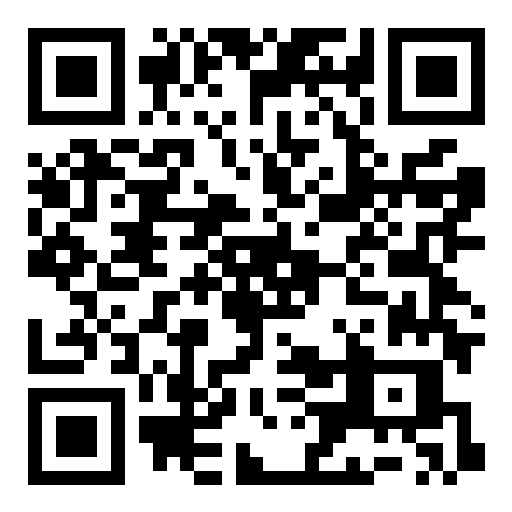
امسح لتثبيت تطبيق نقاط البيع